About this ebook
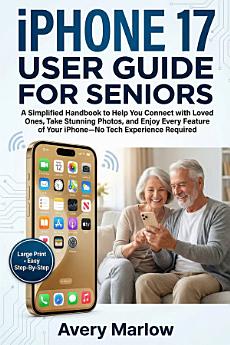
Technology moves fast, and the new iPhone 17—with its "Liquid Glass" design and advanced AI—can feel like it was made for someone else. But what if your phone wasn't a source of anxiety, but a bridge to your loved ones? Imagine a guide that speaks your language—no jargon, no "tech-speak," and absolutely no experience required.
The iPhone 17 User Guide for Seniors isn't just a manual; it’s a patient companion designed to help you master the 2025 release at your own pace. Whether you have the iPhone 17, Pro, Pro Max, or the ultra-light iPhone Air, this book walks you through every physical button and digital gesture with crystal-clear instructions.
Why struggle with tiny text or confusing menus when you can customize your phone to work for you? With this guide, you will:
- Connect Effortlessly: See your grandkids in high definition with FaceTime and stay in the frame with Centre Stage.
- Capture Perfect Memories: Use the new Camera Control button to take professional photos of family and nature without fumbling with the screen.
- Stay Safe & Secure: Automatically block scam calls and set up life-saving Emergency SOS and Crash Detection features.
- Simplify Your Daily Life: Let Apple Intelligence summarize long emails and set medication reminders so you never miss a dose.
- Read with Ease: Learn to instantly increase text size or use your phone as a powerful Magnifier for menus and pill bottles.
You don't need a grandchild on speed dial to use your phone like a pro. You just need the right map.
Stop squinting at your screen and start enjoying your life. > Scroll up and click "Buy Now" to begin your journey toward total digital independence!