About this ebook
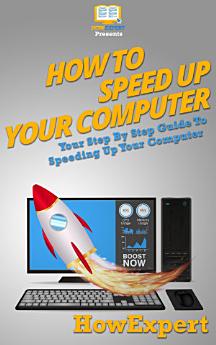
If you want to learn how to speed up computer then check this " How To Speed Up Computer" guide.
In this step-by-step guide, you will:
- Learn different tactics to speed up your computer be it windows vista, windows 7 or XP.
- Fix different computer problems.
- Save time and speed up the search and folder browsing
- Decrease boot time
- Improve system performance
- Utilize the NTFS File system.
- Reduce NTFS overhead
- Check compatibility of drivers and programs.
- Speed up external drive.
- And much more.
HowExpert publishes quick 'how to' guides on all topics from A to Z by everyday experts.
If you want to learn how to speed up computer then check this " How To Speed Up Computer" guide.
In this step-by-step guide, you will:
- Learn different tactics to speed up your computer be it windows vista, windows 7 or XP.
- Fix different computer problems.
- Save time and speed up the search...
Discover more
About the author
HowExpert publishes quick 'how to' guides on all topics from A to Z by everyday experts.
HowExpert publishes quick 'how to' guides on all topics from A to Z by everyday experts.
Rate this ebook
Tell us what you think.
Reading information
Smartphones and tablets
Install the Google Play Books app for Android and iPad/iPhone. It syncs automatically with your account and allows you to read online or offline wherever you are.
Laptops and computers
You can listen to audiobooks purchased on Google Play using your computer's web browser.
eReaders and other devices
To read on e-ink devices like Kobo eReaders, you'll need to download a file and transfer it to your device. Follow the detailed Help Center instructions to transfer the files to supported eReaders.