About this ebook
Most people use Word, Excel, PowerPoint, and Outlook every single day, yet only scratch the surface of what these tools can do. They format documents by hand instead of using styles, retype numbers instead of linking spreadsheets, drown in a chaotic inbox, and build slides that put audiences to sleep. The result: hours lost every week to tasks that could take minutes.
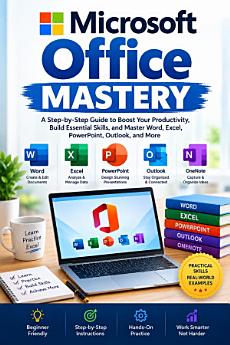
This isn't another shallow list of keyboard shortcuts. Microsoft Office Mastery is a complete, step-by-step system that takes you from scattered and self-taught to genuinely fluent — across the entire Office ecosystem, not just one app in isolation.
Inside, you'll learn how to:
Format flawless, professional documents in Word using styles, templates, and automatic tables of contents
Build powerful Excel spreadsheets with the formulas, PivotTables, and automation that actually matter
Design PowerPoint presentations that communicate — not just decorate
Take control of your Outlook inbox with a proven, repeatable system
Organize notes in OneNote and collaborate in real time with Microsoft Teams
Connect every app together so data updates automatically instead of being retyped
Protect your files and data with practical, non-technical security habits
Troubleshoot the most common Office problems in minutes, not hours
Build a sustainable productivity system with a simple weekly review habit
Each chapter includes real-world examples, common mistakes to avoid, hands-on exercises, and clear action steps — so you're not just reading about Office, you're building lasting skill in it.
Whether you're a student, a small business owner, an office professional, or anyone who wants to stop fighting their software and start using it with confidence, this book gives you the structure, the strategy, and the roadmap to get there — including a full 30-day implementation plan.
Stop guessing. Start mastering the tools you already use every day.